Rogue Eclipse Demo Walkthrough
A practical path through the free Steam demo slice.
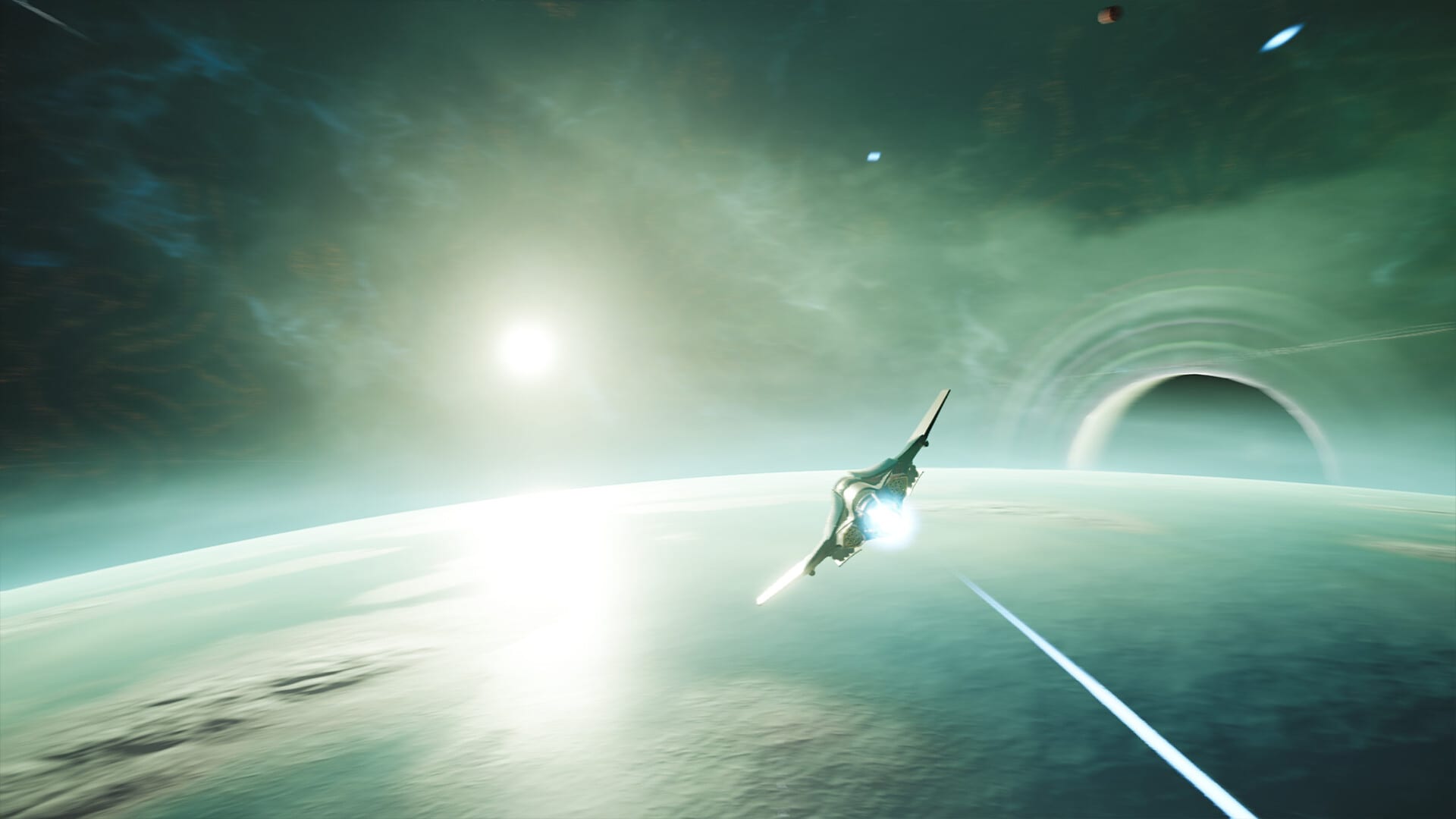
The Rogue Eclipse demo is not a slideshow. It is a compressed campaign slice where you learn the flight model, fight the Phiraun Armada presence in-sector, collect unlocks, and decide whether the full August 7, 2026 launch belongs on your calendar. This walkthrough assumes you already skimmed Getting Started and chose an input method on either keyboard and mouse controls or gamepad controls.
Demo scope in plain language
Steam lists tutorial content, a playable run, multiple input options, multiple difficulty options, multiple enemies, unlocks with customisation, full voice acting, and light story elements. The framing: the fleet is scattered and you must push the merciless Phiraun Armada out of the sector. Treat that as your mission briefing. The full game promises a longer roguelike campaign with more unlocks and foes; compare expectations on demo vs full game.
Phase A — Tutorial as a warm hangar
Launch on a comfortable difficulty. Complete every tutorial prompt without rushing the dialogue. Voice acting exists for a reason: it teaches tone and stakes while you learn boost and fire timing. Before leaving the tutorial space, spend two minutes on free flight. Trace figure-eights, boost through a gate you invent in your head, and practise stopping fire to look at the threat board. If the ship still feels alien, stay here. The sector run will not fix bad fundamentals.
Phase B — First sector sortie plan
Enter the playable run with three objectives only:
- Survive the opening swarm without boosting into debris you cannot see.
- Identify whether your death came from positioning or from damage trading.
- Reach at least one upgrade or unlock moment.
Do not invent a speedrun. Rogue Eclipse sells spectacle; your job is readability. Keep enemies on a consistent screen third when possible. If the swarm fans behind you, break the circle with a committed boost line, then re-acquire targets. Details for that discipline live in combat and survival.
Phase C — Armada pressure and target priority
When larger ships or denser formations appear, stop spraying the nearest fighter exclusively. Ask which threat removes your escape lane. Strip weapons or engines that pin you, then clear the leftovers. Destructible environments are not wallpaper—use them to open sightlines or deny enemy cover when the sandbox allows it. If a colossal behemoth sequence appears in your demo path, pause and read how to beat behemoths before repeating a corridor wipe.
Phase D — Mid-run upgrade choices
Between fights, spend upgrades like a builder, not a tourist. Prefer options that fix the mistake that just killed you. Hull melted while turning? Consider defensive or mobility upgrades via ship upgrades. Could not delete elites fast enough? Pivot through weapon loadouts. Write the choice down with the loadout planner if you tend to forget between sessions.
Phase E — Unlock loop after death
Death is a save point for knowledge. Claim unlocks, customise the starfighter, and update the unlock checklist. Read unlock progression so you understand which rewards change combat power versus presentation. Then relaunch with one experiment only—new weapon feel, or new mobility habit, not both.
Phase F — Difficulty ladder inside the demo
Once you can narrate a failed run accurately, raise difficulty one step. The demo’s multiple difficulty options exist to teach mastery, not to shame beginners. If a higher setting only produces instant deaths, drop back and practise boost exits for ten minutes. Mastery in arcade flight games is often ten focused minutes, not another hour of tilted retries.
Phase G — End-of-demo debrief
Before you close Steam, answer:
- Did the flight model feel fair when you flew patiently?
- Did customisation make the second run more personal?
- Do you want the longer campaign promised for August 7?
If yes, wishlist the full game and skim news and trailers plus release date and platforms. If the feel is close but performance is rough, return to system requirements and adjust settings before judging the design.
Sibling guide loop
This walkthrough pairs with Getting Started for install order, combat and survival for swarm technique, and how to beat behemoths for interior fights. When the demo ends, the Guides Hub and Builds Hub keep the same loop alive until launch day.
Frequently Asked Questions
Quick answers pilots ask before and after each run.
How long is the Rogue Eclipse demo?
It is a slice with tutorial plus a playable run rather than the full campaign. Session length varies with deaths and difficulty.
Can I use a controller in the demo?
Yes. The demo advertises keyboard/mouse or gamepad support and full controller support on the store page.
Does demo progress carry to the full game?
Treat demo unlocks as practice unless HUSKRAFTS announces transfer rules. Check Updates near launch.
What if I keep dying in the first swarm?
Lower difficulty, revisit controls drills, then apply combat and survival routing tips before pushing again.