Rogue Eclipse Keyboard and Mouse Controls
Make mouse aim and strafe keys feel like one starfighter.
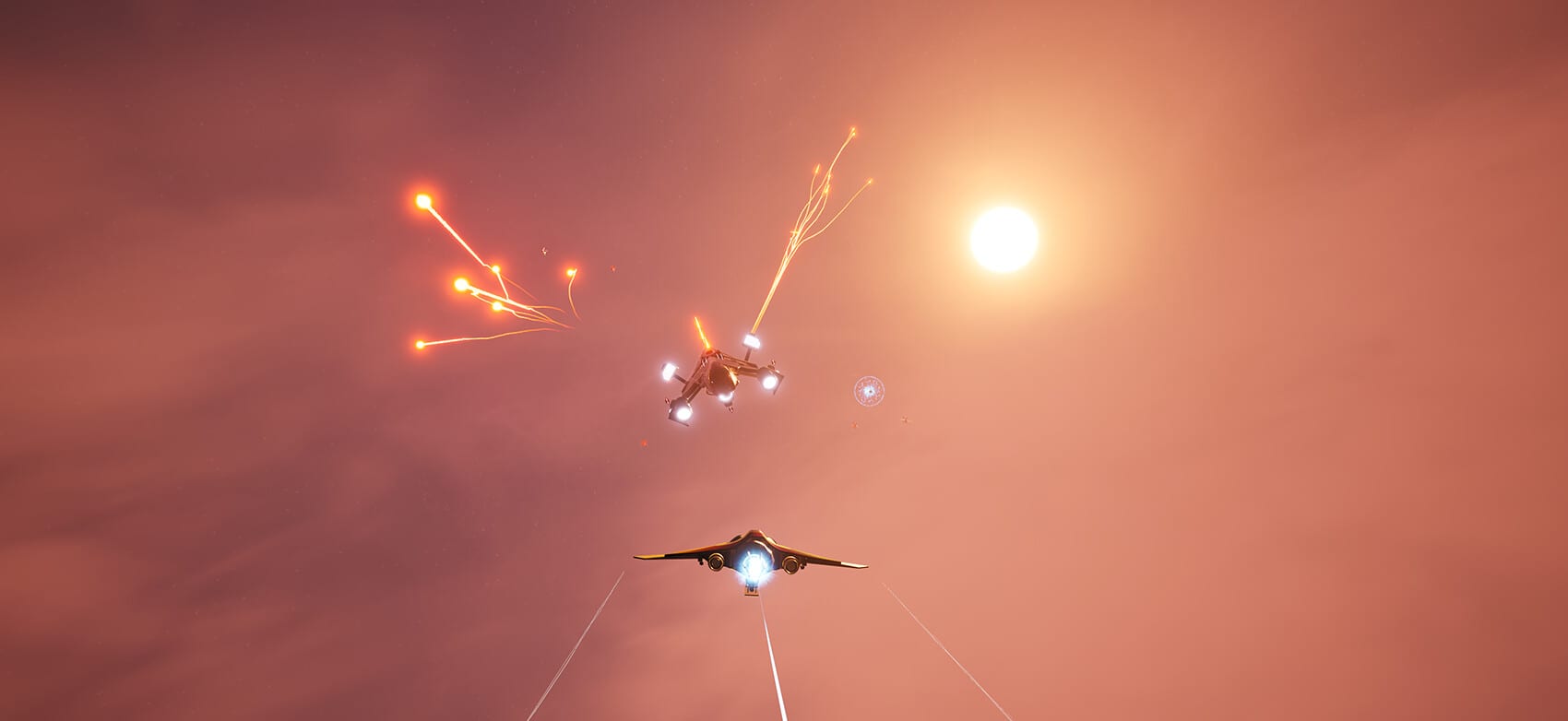
Rogue Eclipse advertises multiple input options, including keyboard and mouse. If you came from mouse-aim shooters, this page helps you translate that comfort into arcade spaceflight without fighting the camera. If you prefer a pad, use gamepad controls instead and return here only for comparison. New pilots should still skim Getting Started before optimising binds.
Control philosophy
Keyboard and mouse shines when precise aim and quick camera flicks matter. It struggles when players treat space like a grounded FPS and forget vertical travel. Your left hand owns translation and boost economy. Your right hand owns look vector and fire. If either hand starts doing panic overtime, simplify binds before blaming the game.
Suggested mental map
Exact default keys can vary with patches, so treat this as a role map you confirm in the in-game options:
- Translation cluster for forward, back, and lateral slides
- Vertical thrust for climbing and diving through swarm layers
- Boost on a comfortable thumb or pinky key you can tap, not mash
- Primary fire on mouse, secondary or ability inputs nearby without releasing aim
- Camera sensitivity high enough to track targets, low enough to hold a stable lead
After install, open settings and verify every role before the tutorial ends. Remap anything that forces finger yoga during boost-plus-turn moments.
Sensitivity and acceleration
Start with moderate sensitivity. Raise it only until you can track a circling fighter without overshooting thrice per orbit. If the demo offers separate aim or camera options, change one slider per session. Arcade flight games amplify bad sensitivity because boost multiplies your mistakes.
Drill set for the hangar and tutorial
Spend five minutes on these drills before a ranked-feeling difficulty:
- Figure-eight at half throttle while firing short bursts at a fixed point.
- Boost once, settle, fire, repeat—never boost-fire-spam as a single blur.
- Climb above a swarm plane, dive through, and reacquire without spinning.
- Strafe along a destructible wall to learn how mouse yaw and keys share duty.
- Practise looking at a threat while moving perpendicular to it.
When drills feel boring, you are ready for the demo walkthrough.
Combat translation
On mouse, your advantage is snap acquisition. Your weakness is over-aiming during boost. Combine this page with combat and survival so mechanical aim serves routing rules. Inside behemoths, lower your speed intentionally; mouse players often enter corridors too hot. See how to beat behemoths.
Builds that forgive keyboard learning
While learning, prefer loadouts that do not demand perfect tracking every second. Visit weapon loadouts and ship upgrades for forgiving primary feels and handling upgrades. Track experiments in the loadout planner.
Accessibility and comfort
If keyboard cramped, try a controller for a session using the gamepad guide—Rogue Eclipse lists full controller support. Some pilots alternate: pad for long cruise segments, mouse for precision arenas, though commitment per run is usually cleaner. Remote Play on TV is more natural with a pad, so keep that path in mind for couch sessions.
Sibling links
Controls are useless in isolation. Return to the Guides Hub, compare gamepad controls, and validate PC readiness on system requirements if frame pacing ruins mouse tracking. Clean inputs make every other guide on this wiki easier to trust.
Extended practice week plan
Day 1: tutorial only, sensitivity locked, notes on discomfort binds. Day 2: opening swarm survival drill for fifteen minutes using combat and survival routing rules. Day 3: intentional demo sortie from the demo walkthrough with one hypothesis written in the loadout planner. Day 4: low-speed corridor practice for future behemoth dives; read how to beat behemoths even if you fail the delve. Day 5: revisit binds, delete unused keys or unused pad prompts, and confirm system requirements performance is not faking input lag. Day 6: raise difficulty one step only if death sentences remain readable. Day 7: rest thumbs, wishlist check on release date and platforms, and skim unlock progression so the next week starts with a goal.
Troubleshooting feel issues
If the ship feels floaty, lower camera shake and your own boost frequency before lowering difficulty. If the ship feels sticky, verify you are not fighting simultaneous opposing translation inputs. If shots miss constantly, slow the fight down and fire only while the nose is settled. If your hand hurts, stop and remap—Rogue Eclipse should not require claw grips for basic sorties. When in doubt, return to Getting Started and rebuild fundamentals rather than buying random parts from ship upgrades.
These control habits are the quiet skill ceiling. Flashy trailers sell spectacle; stable inputs let you participate in that spectacle instead of watching the respawn screen.
Frequently Asked Questions
Quick answers pilots ask before and after each run.
Are official default keys listed here?
Use in-game settings as the authority. This page teaches roles and drills that survive rebinds and patches.
Mouse or controller for beginners?
Pick the device you will practise on for several runs. Both are supported in the demo.
Why does boosting wreck my aim?
You are likely firing while the camera is still settling. Boost, settle, then burst.
What should I remap first?
Boost and vertical thrust if defaults strain your hand during turns.