Gamepad Controls for Rogue Eclipse
Lean on full controller support without muddy sticks.
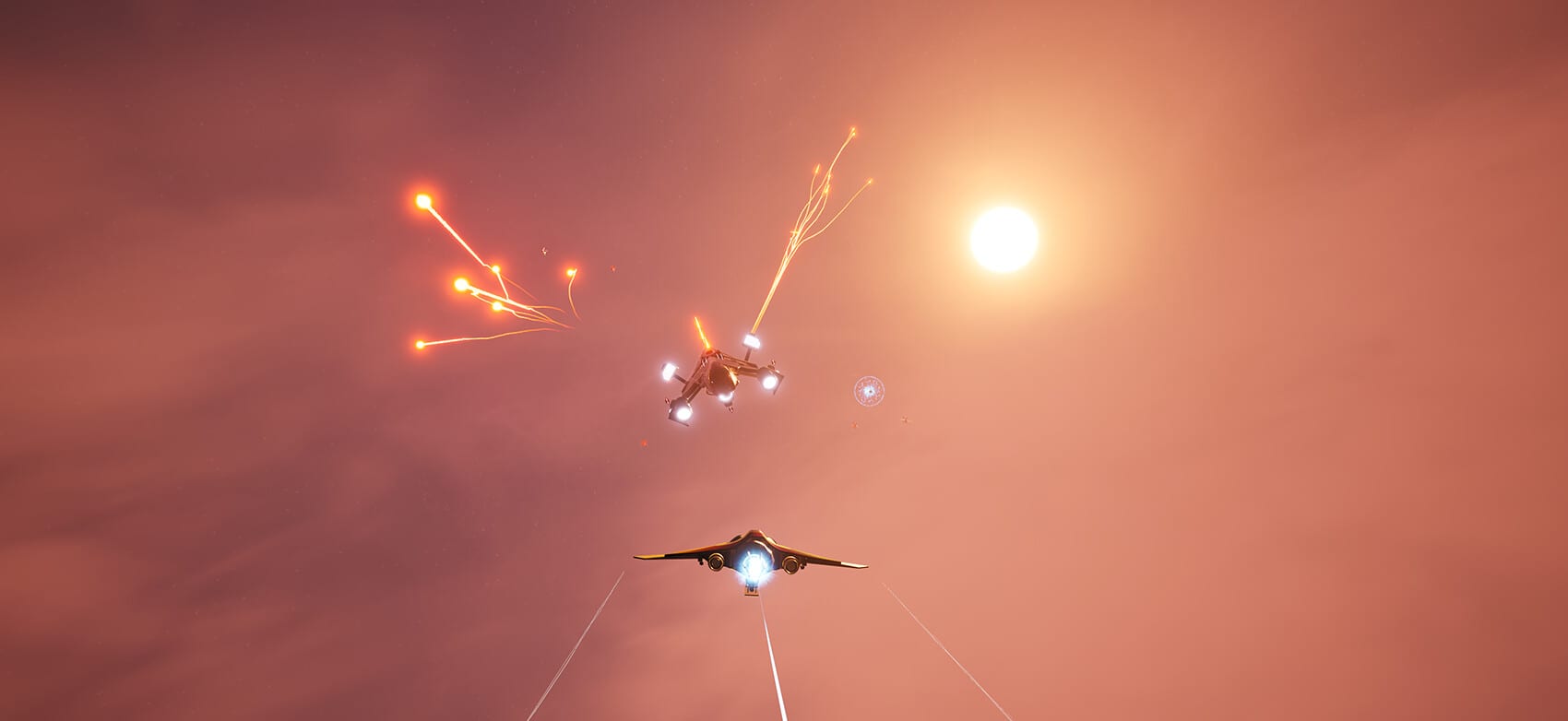
Rogue Eclipse lists full controller support and demo input options for gamepads. If you want couch distance, Steam Deck experiments, or Remote Play on TV, this page is your start. Keyboard users should read keyboard and mouse controls instead. Everyone should still complete Getting Started so binds are not the first chaos you meet.
Why a pad fits this game
Arcade spaceflight loves analogue steering. A stick lets you feather turns and ride boost arcs without the binary slam of keys. The tradeoff is finer aim on distant fighters. You solve that with stick sensitivity tuning, short bursts, and better routing from combat and survival.
Role map for a standard controller
Confirm everything in the in-game options, then assign roles like this:
- Left stick: translation and gentle banking aids depending on flight assist style
- Right stick: aim vector and camera authority
- Shoulder or trigger: boost on a pressure-sensitive or easy-tap control
- Primary fire on a trigger you can hold without losing stick precision
- Secondary fire or utilities on bumpers you can reach while boosting
- Vertical thrust on face buttons or a second trigger if available
If a bind requires releasing aim to boost, remap immediately.
Deadzones and sensitivity
Set deadzones just high enough to kill stick drift, nothing more. Sensitivity should let you track a circling fighter with one continuous motion. If you micro-flick constantly, sensitivity is too low. If you overshoot every target, it is too high. Change one value per practise block.
Drill set on sticks
- Orbit a point of interest using only left stick while keeping right stick centred, then add aim.
- Tap boost to change orbit radius without emptying the resource bar.
- Climb and dive through a layered swarm plane using vertical thrust.
- Fly a slow behemoth-style corridor line to practise low-speed stick control before how to beat behemoths.
- Play a full tutorial on the difficulty you will actually use in the demo walkthrough.
Deck, sofa, and Remote Play
Store materials mention Remote Play on TV and Steam Deck compatibility notes on the demo side. For TV play, sit at a distance where UI text remains readable and use a pad exclusively for that session. For Deck, verify performance expectations on system requirements and accept that medium settings plus stable frame time beat max settings plus hitching.
Build choices that help pad pilots
Pads thrive with weapons that forgive imperfect lead and ships that turn cleanly. Explore weapon loadouts and ship upgrades, then lock a plan in the loadout planner. Track unlocks with the unlock checklist so sofa sessions still advance meta progress.
Common pad failure modes
- Riding boost like a sprint key until empty
- Holding hard stick deflection until the camera becomes soup
- Ignoring vertical thrust and fighting only on one plane
- Entering behemoth interiors at open-space speeds
Correct those before blaming balance. Then return to the Guides Hub for specialised tactics and keep unlock progression in mind between runs.
Gamepad mastery is calm thumbs. If your hands tense every swarm alert, lower difficulty and repeat drills until the stick returns to neutral between decisions.
Extended practice week plan
Day 1: tutorial only, sensitivity locked, notes on discomfort binds. Day 2: opening swarm survival drill for fifteen minutes using combat and survival routing rules. Day 3: intentional demo sortie from the demo walkthrough with one hypothesis written in the loadout planner. Day 4: low-speed corridor practice for future behemoth dives; read how to beat behemoths even if you fail the delve. Day 5: revisit binds, delete unused keys or unused pad prompts, and confirm system requirements performance is not faking input lag. Day 6: raise difficulty one step only if death sentences remain readable. Day 7: rest thumbs, wishlist check on release date and platforms, and skim unlock progression so the next week starts with a goal.
Troubleshooting feel issues
If the ship feels floaty, lower camera shake and your own boost frequency before lowering difficulty. If the ship feels sticky, verify you are not fighting simultaneous opposing translation inputs. If shots miss constantly, slow the fight down and fire only while the nose is settled. If your hand hurts, stop and remap—Rogue Eclipse should not require claw grips for basic sorties. When in doubt, return to Getting Started and rebuild fundamentals rather than buying random parts from ship upgrades.
These control habits are the quiet skill ceiling. Flashy trailers sell spectacle; stable inputs let you participate in that spectacle instead of watching the respawn screen.
Frequently Asked Questions
Quick answers pilots ask before and after each run.
Does Rogue Eclipse support controllers?
Yes. Store pages list full controller support, and the demo mentions keyboard/mouse or gamepad options.
Is Steam Deck playable?
Demo materials note Steam Deck compatibility. Check system requirements and use Proton guidance if needed.
Should I play on TV?
Remote Play on TV is listed. Use a pad and confirm UI readability before long sessions.
When should I switch to mouse?
If you need finer aim for a specific drill, try mouse in a separate session rather than swapping mid-run.